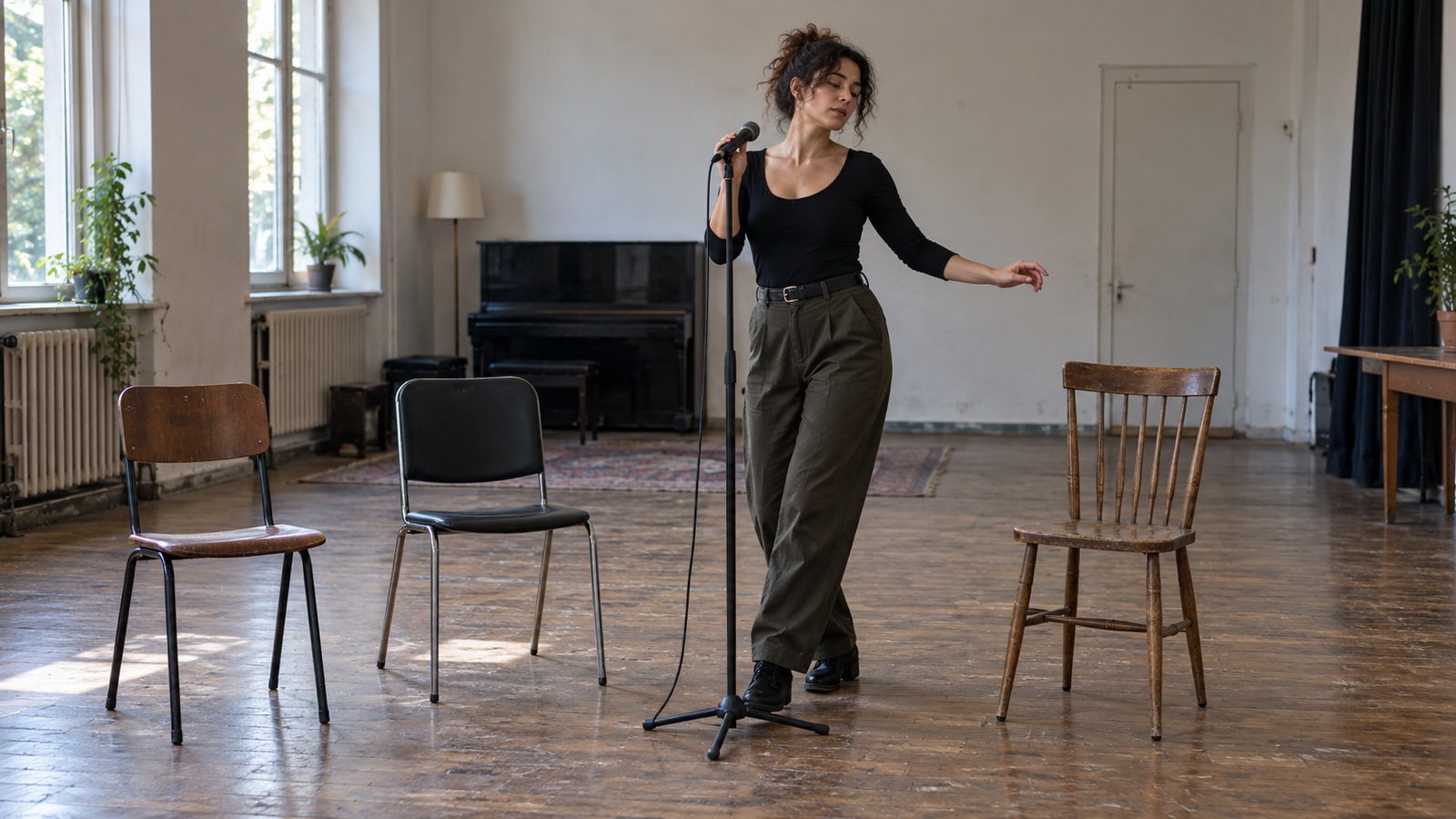
Choose a tool for the musician you are becoming
A musician can spend an entire evening testing impressive software and finish with the same unfinished song, uneven performance, and unclear release plan. The problem is often the shopping brief: looking for the best AI tool without deciding what needs to improve. A singer learning a difficult entrance needs different help from a producer preparing a master or an artist trying to explain a new project. Useful tools make a particular task easier to hear, practice, finish, or communicate. They also leave enough control for you to understand what changed. This guide builds a small, practical shortlist around those jobs, including Moises for rehearsal, BandLab for exploring ideas, and Ozone for assisted mastering. It also explains where a general writing assistant can help your artist brand and where a person still needs to make the call. Choose one bottleneck first, test it on real work, and judge the result by what you can do afterward.
Start with a task that has an audible result
Before comparing subscriptions, write down the moment at which your work usually stalls. Perhaps you cannot hear the bass movement in a reference recording, your chorus arrangements never develop, or you keep abandoning mixes because the finished version feels harsh. Describe the difficulty in musical terms rather than naming a feature you hope will solve it. That description becomes your test brief.
Set a modest result for the next week. You might aim to play a passage at performance tempo, finish one arrangement, or produce a release biography that accurately describes your music. Keep the original recording or text so the comparison has a clear starting point. A tool earns a place when the improvement survives outside its own interface.
Moises: a useful shortlist choice for focused rehearsal
Moises describes tools for separating parts, adjusting tempo, and detecting chords. Those capabilities suit musicians who learn from recordings and need control over what they hear. A bassist can reduce the existing bass and rehearse with the remaining arrangement; a singer can slow a difficult phrase before returning to the original pace. Check the current plan details for the particular functions you need, because access and limits vary.
Separation is most useful as a listening aid rather than a promise of perfectly clean isolated audio. Dense guitars, cymbals, reverb, and overlapping voices can leave artifacts that resemble musical details. When a separated part sounds strange, compare it with the original mix before learning it as intentional performance. Chord detection also needs your ear, especially when voicings are ambiguous.
Make a short practice cycle instead of endlessly rearranging stems. Listen to the original phrase, rehearse the reduced arrangement, and record yourself without assistance. If your timing or confidence improves in that final recording, the software has supported learning. If you can perform only while following its visual cues, you have identified the next practice task.
BandLab: explore an arrangement before committing to it
BandLab is worth considering when the obstacle is starting or reshaping a sketch rather than correcting a finished production. Its official AI tools page lists options including SongStarter, stem splitting, audio-to-MIDI conversion, and guided mixing. Treat these as different musical experiments, not interchangeable buttons for finishing a song. Availability can change, so try the specific workflow in your account before building a release around it.
For an existing chorus, an alternative backing can reveal whether the melody depends on a particular groove. For a blank session, a generated idea may give you something to react against. Keep your own lyric, melody, or performance identifiable while you test those surroundings. A productive experiment ends with a decision about your composition, even when the generated material is discarded.
Ozone: compare mastering choices with your own intention
Ozone belongs later in the chain, when a convincing mix exists and you want help developing a master. iZotope explains that Master Assistant in Ozone 12 creates an adjustable starting point. That makes it a candidate for producers who want to examine processing decisions rather than accept an unexplained finished file. It is less useful as a cure for an arrangement in which instruments fight the vocal.
Choose a reference for a specific reason, such as the relationship between the kick and bass or the way the chorus expands. Compare at similar listening levels so a louder version does not win automatically. Bypass the processing regularly and listen to the quiet passages as well as the loudest section. Check whether the master supports the emotional contrast that made the mix work.
Budget for the skill required to evaluate the result. An assistant may move faster than a beginner, but that does not make every suggestion appropriate for acoustic intimacy, deliberate distortion, or unusual dynamics. Keep an unprocessed mix and save an editable session. The best outcome includes a stronger master and a clearer understanding of why you preferred it.
When a paid release or demanding client is involved, a mastering engineer may still be the better next purchase. The engineer can challenge the brief, recognize a mix problem, and discuss competing priorities. Software can offer useful processing assistance without supplying that relationship. Compare these options against the importance of the project rather than assuming every task belongs in a subscription.
Use a writing assistant to clarify an artist brand
Artist branding begins with evidence from your songs, performances, and working life. Give a writing assistant a short factual brief: what you make, where you perform, what listeners consistently notice, and what this particular release explores. Ask it to shorten or organize that material instead of inventing an impressive history. Read the result aloud and remove anything you would feel awkward saying to an interested listener.
Use a hypothetical brief to see the difference. The supplied facts say the artist writes quiet guitar-led songs, performs as a duo, and is releasing a first three-track collection. A draft calling them a boundary-breaking global phenomenon invents status and tells a venue little. A useful venue version instead identifies the duo format and the kind of listening environment it suits; a release-page version explains the collection’s musical focus. Keep those statements tied to the supplied facts. The assistant’s contribution is selecting and organizing relevant information, while the artist decides which description sounds accurate and natural.
Check permissions before uploading or releasing
Practice access, generation access, and commercial release permission are separate matters. Having a recording in your collection does not automatically give you permission to upload it to any service or release separated parts. Read the relevant service terms for the actual input and intended output. Use your own recordings or material you have permission to process when testing a commercial workflow.
Generated ideas deserve equally specific checks. BandLab’s SongStarter help page distinguishes permitted use from ownership of the generated track. Do not translate a phrase such as royalty-free into a claim that every output is exclusively yours. Save the terms that applied when you created and downloaded material, along with your own contribution records.
Consider collaborators before putting a rough vocal, unreleased lyric, or private session online. Explain what you want to process, which service will receive it, and how you will use the result. A tool that suits your solo practice may not suit a confidential co-writing project. Resolve those boundaries before the attractive demo becomes part of an important delivery.
Run a comparison you can actually trust
Test candidates on the same short task and keep the input unchanged. Record the time spent preparing files, correcting errors, exporting, and finding a usable result, because those minutes are part of the cost. For audio, compare original and processed versions at similar volume through equipment you know. For writing, ask whether the text communicates accurate information to the intended reader, rather than merely sounding polished.
Use a small decision sheet with practical criteria: quality, control, learning value, export options, and total cost. You do not need a numerical ranking that pretends to be scientific. A sentence explaining why one tool failed your actual task is often more useful than a score. Repeat the test after a few days if first impressions are heavily influenced by novelty.
A free tier can reveal the workflow without proving that its paid version will solve every limitation. Check upload duration, file format, resolution, project portability, and cancellation conditions before upgrading. Also check whether the feature that impressed you belongs to the plan you are considering. Small differences in these details can make a seemingly inexpensive tool unsuitable for a regular working routine.
Keep a stop rule for experimentation. Once a tool gives an adequate result, use it on a complete project before opening another comparison. The finish teaches you about reliability, version management, and delivery in a way a ten-minute demo cannot. Only return to shopping when you can describe the limitation you actually encountered.
Consider how a tool behaves away from the ideal demo
Most musicians work in conditions less convenient than a product demonstration. A rehearsal room may have unreliable internet, a laptop may already be near its processing limit, and a collaborator may use a different recording environment. Test the tool under the circumstances in which you actually intend to use it. A feature that works beautifully at home may still create friction when the band is waiting.
Try a complete export and reopening process before trusting a major project to the service. Confirm which decisions remain editable and which have been printed into the audio. Keep track of any manual reconstruction required to move the work into your normal session. Portability becomes particularly valuable when a collaborator needs to revise a part after the original subscription has ended.
Think about learning transfer as well as file transfer. If the tool identifies a difficult interval, practice recognizing and performing that interval without its display. If it suggests an EQ change, listen for the problem before looking at the proposed curve. These small habits turn assistance into experience you can carry into another studio or onto a stage.
Evaluate how much attention the workflow demands. Some tools reduce a tedious task; others introduce a new cycle of tweaking that keeps pulling you away from the song. The difference may become obvious only after several ordinary sessions. Write down the moments when the software helped you move forward and the moments when it became the main activity.
At the end of the trial, name what each subscription enabled. If the rehearsal aid helped you learn the difficult passage, keep that practice cycle. If an arrangement tool produced many alternatives but none reached the song, pause it and finish the strongest existing idea. If mastering assistance improved the reference comparison but you could not judge an exposed problem, invest in listening feedback before another processor. A small stack earns its place through completed musical work. Canceling an unhelpful trial is a useful decision, not a failure to keep up.
Build a small stack that leaves room for musicianship
For many independent artists, one rehearsal aid, an existing recording environment, and occasional writing support are enough to begin. Add mastering assistance only when finished mixes make it relevant, and add specialist services when your workload justifies them. The aim is a routine you can maintain during a busy week. A sophisticated collection of tools has little value if setting it up replaces playing and finishing music.
Revisit the stack at the end of a release cycle. Keep tools that helped you complete work, learn a repeatable skill, or collaborate more clearly. Cancel tools whose main benefit was generating more material to sort through. Your best AI tools will be the ones that make your own decisions more capable and your finished work more recognizable.