
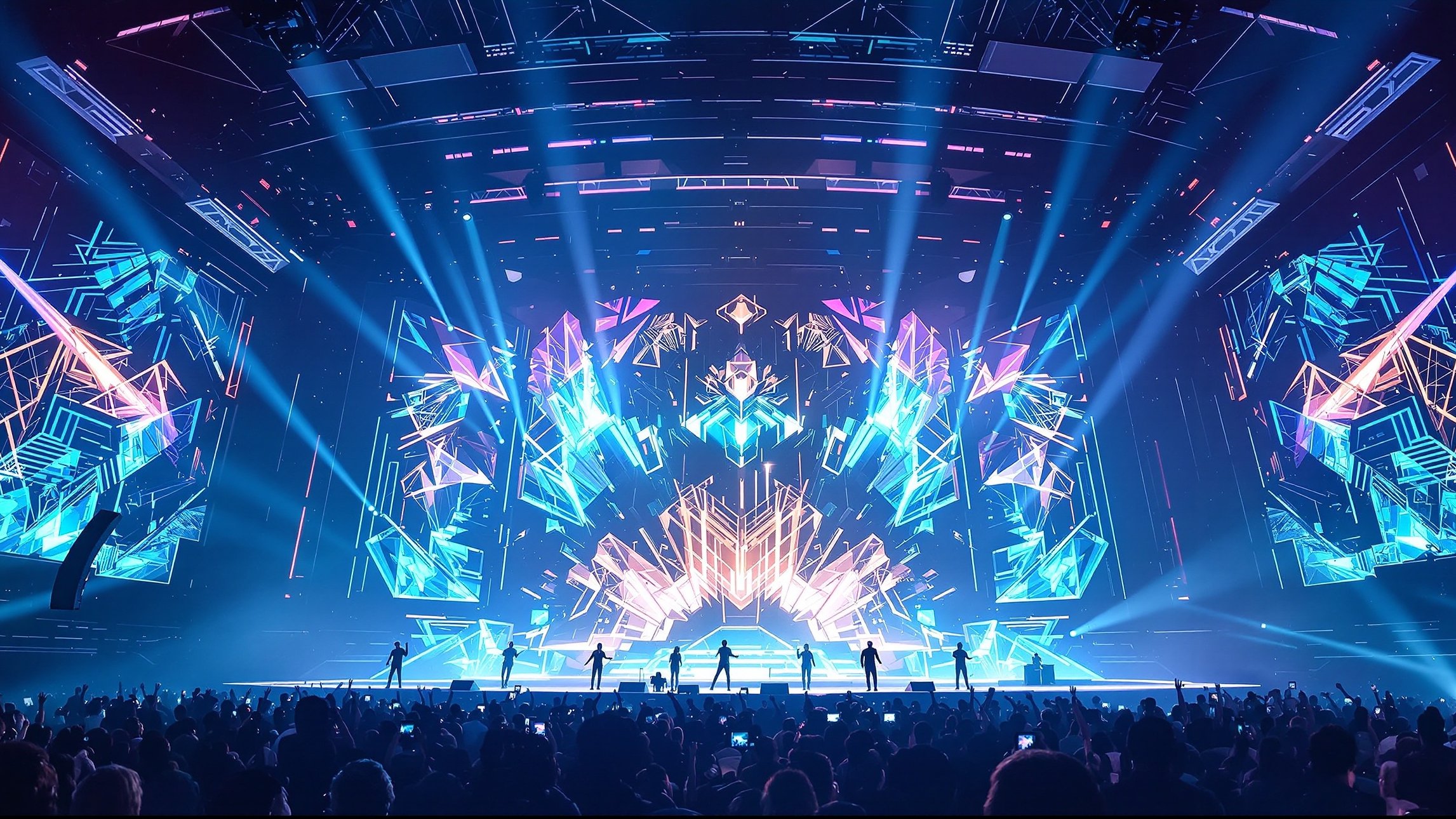
AI Concert Visualizers are where sound becomes spectacle and music evolves into a fully immersive visual experience. This category on AI Music Street explores how artificial intelligence is redefining live performances, transforming beats, melodies, and rhythms into dynamic visuals that pulse, react, and evolve in real time. From intimate club shows to massive festival stages, AI-driven visual systems are reshaping how audiences see music, blurring the line between audio art and digital storytelling. Here, you’ll discover how machine learning interprets sound data—tempo, frequency, emotion, and structure—to generate stunning visuals that sync perfectly with live or recorded performances. Dive into articles covering real-time generative visuals, projection mapping, LED stage design, motion-reactive graphics, and immersive environments powered by AI. We also explore the creative tools, software platforms, and workflows artists and visual designers use to craft unforgettable concert experiences. Whether you’re a musician looking to elevate your live shows, a visual artist experimenting with sound-responsive art, or a fan fascinated by the future of concerts, AI Concert Visualizers is your gateway to the next era of performance—where music doesn’t just play, it comes alive.
A: Start with beat + loudness reactivity, then add cue points for drops and breakdowns.
A: Not required, but stems make mappings cleaner (bass drives bass motion, vocals drive highlights).
A: Use a small set of repeatable looks and transition them at musical landmarks.
A: Ask the venue for the LED pixel canvas (WxH in pixels) and match it—avoid heavy scaling.
A: LEDs handle contrast and fine detail differently—calibrate and avoid thin lines/high-frequency patterns.
A: Use a stable audio interface, minimize processing, and keep a single sync clock (timecode/Link).
A: Yes—generative systems can run live, but reliability improves with presets + controlled parameters.
A: No—prioritize kick/snare/vocals and use smoothing so motion feels intentional.
A: A “safe look” scene plus a mirrored project on a second machine if possible.
A: Map a few controls (intensity, color, camera) to a controller so you can “play” the visuals.