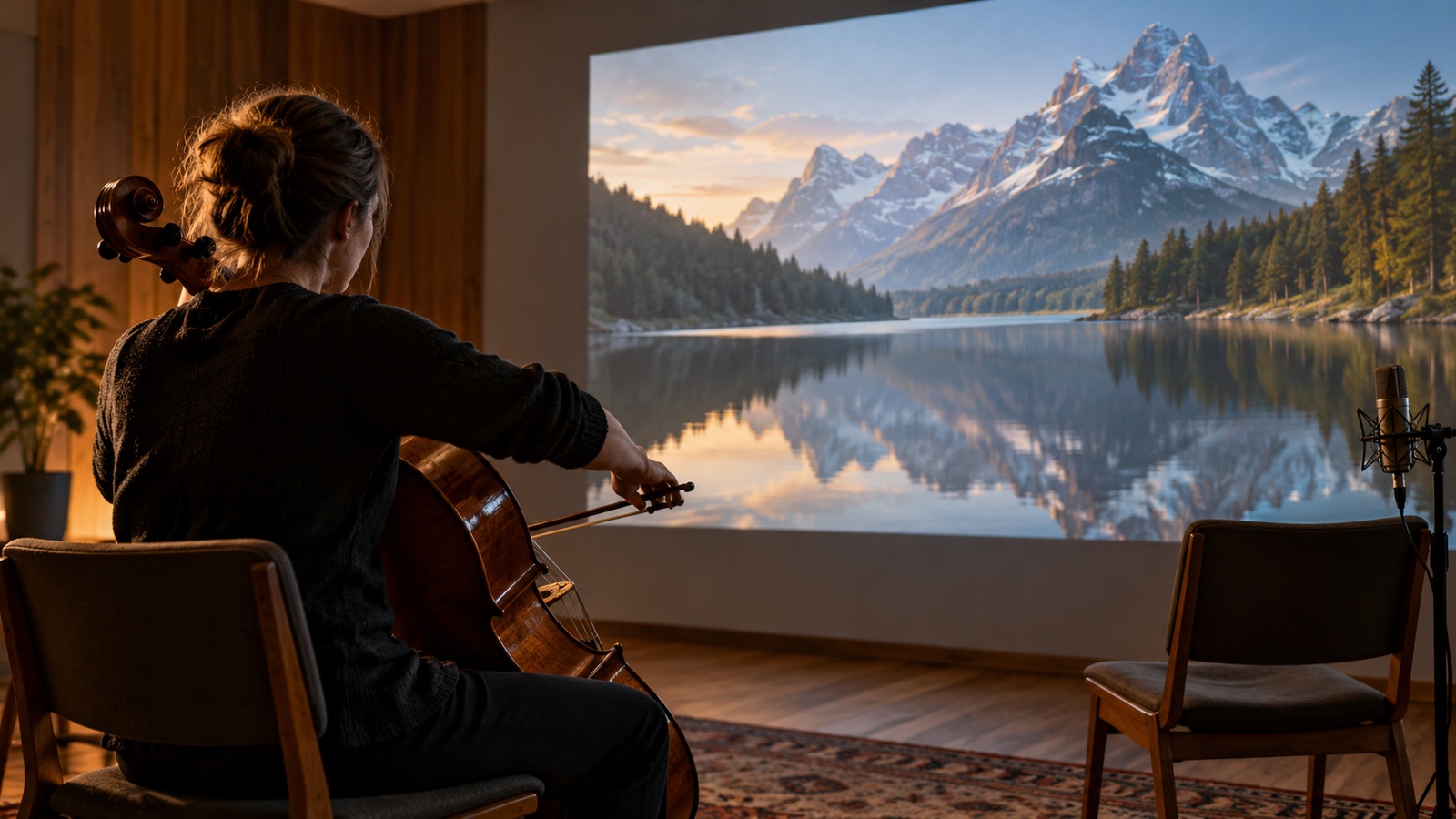
Keep the Pictures Fixed and Ask What the Soundtrack Must Do
A finished video can be silent in a very specific way: the pictures already tell the story, but the missing music leaves its emotional direction unresolved. Choosing a soundtrack for that sequence is a different assignment from moving clips onto the beats of a song. You may want software to suggest suitable library tracks, reshape an existing instrumental, or create new music that supports the scene. Those approaches are often grouped together as automatic music matching even though they offer different kinds of help. This guide focuses on workflows that begin with the video and asks how much of the soundtrack decision each one can actually handle. It considers documented options from Epidemic Sound, Artlist, SOUNDRAW, and Adobe Premiere without presenting them as an identical set of tools or claiming hands-on test results. The right starting point is the aspect of the video you need the music to serve: its subject, its emotional movement, its key events, or simply its already approved duration.
Automatic Matching Can Mean Discovery, Adaptation, or Generation
Discovery tools narrow a library to tracks that might fit the scene. They can save browsing time while leaving the actual recordings unchanged. Adaptation tools start with a selected track and help it meet timing constraints, such as the duration of an advertisement. Generation tools create new audio using a brief or other conditioning information. A product can combine more than one approach, but a claim about one capability should not be silently stretched into a promise about all of them.
Keep four requirements separate when evaluating the result. Subject fit concerns what the video shows; emotional fit concerns the feeling it creates; event fit concerns important moments; duration fit concerns where the cue begins and ends. A nature scene might receive a plausible gentle track that fails to develop when the story becomes tense. A perfectly timed cue might still feel wrong for the people or place shown. The most helpful tool is the one that resolves your actual requirement, with a clear opportunity to correct the rest.
Epidemic Sound and Artlist: Search from Visual and Written Context
Epidemic Sound describes a Search by Video discovery feature. Its developer information explains that Soundmatch analyzes video frames and returns recommended tracks. That makes it relevant when you want help finding existing music for visual material. It should not be interpreted as a guarantee that every drum hit will coincide with an action, or that the service has composed an original score around your entire narrative. Track recommendation and detailed scoring remain distinct decisions.
The sensible way to evaluate recommendations is to choose a representative moment and compare the suggested tracks beneath the actual sequence. Include any voiceover in that audition. A recommendation that sounds suitable during browsing may become distracting when heard against the spoken performance. Listen for instrumentation, activity, and tone as well as the apparent genre. The recommendation is useful when it reduces the search to plausible candidates that can be judged in context.
Frame-based discovery can also miss changes that unfold over time. A still image of a runner does not explain whether the scene celebrates a victory, follows an exhausting recovery, or builds toward an uncertain finish. Give yourself permission to reject a visually plausible musical suggestion when its emotional implication is wrong. If the provider offers additional search or comparison controls, use them to refine the candidate set. Do not treat a confident-looking recommendation as evidence that the system has understood the whole story.
Artlist’s catalog guide describes music filters and AI-assisted discovery, including project descriptions used for recommendations in Artboards. This is a relevant alternative when you can express what the video needs more clearly than a few sampled frames can show. Translate the sequence into musical instructions: restrained accompaniment under speech, a gradual increase in intensity, or a spacious texture with a settled ending. Search assistance can interpret that description and help narrow the library, but you still need to audition the actual recording. The advantage is a more focused search, not automatic approval of the first result or a promise that no soundtrack editing remains.
SOUNDRAW: Shape a Cue When an Existing Recording Is Optional
SOUNDRAW’s creator workflow includes generated background music and describes using uploaded video to adjust track timings and beats. This belongs in a different category from retrieving a pre-existing library recording. It is worth considering when you want a musical bed and have flexibility about its specific identity. Begin by deciding whether the cue should follow the scene closely or maintain a stable atmosphere. Those are different scoring intentions, even if both produce music that fits the same total duration.
Generated alternatives need contextual judgment just as library tracks do. Check whether a new instrument enters during a quiet spoken line, whether a rise arrives before the reveal, and whether the ending gives the final image enough space. Do not assume that a matching duration establishes a matching dramatic shape. Also read the plan’s current use permissions before selecting this route for client work or music distribution. Background accompaniment and a standalone release may be treated differently, and the relevant terms should be retained with the project.
Premiere Remix: Solve Length After the Musical Identity Is Chosen
Adobe documents Remix controls for adapting music toward a target duration using analysis and rearrangement. The tool is relevant after you have selected the track, not as a substitute for deciding which track suits the scene. If an approved video needs a concise cue from a longer recording, this can reduce the work of finding plausible structural edits. It does not make the original recording unrestricted, nor does it guarantee that every arrangement change will serve the picture.
A fixed-duration video often has more than one meaningful timing requirement. The music may need to leave a sentence unobstructed, support a reveal, and settle at the end. Adapting total length addresses only one of those conditions. Audition the complete cue and inspect the important moments individually. If a rearrangement solves the ending but weakens the central reveal, revise the cue or choose a different track instead of forcing the approved pictures to compensate.
The most revealing test is a revision with the picture still locked. Change the cue’s ending or its overall length requirement and inspect how much of the existing editorial intention survives. Keep the untouched source track so that you can compare the arrangement, not merely whether the export reaches the right timestamp. A musical edit can be technically neat while removing the part that made the track appealing in the first place. That is an aesthetic decision the automation cannot settle for you.
Write a Brief That Describes the Scene’s Movement
Consider a hypothetical forty-second community-garden film with narration through its first half, a reveal of the restored planting beds, and a quiet closing portrait. The picture is approved. A useful brief asks for sparse accompaniment beneath the narration, a gradual opening around the reveal, and a settled ending that leaves the portrait space. That is more informative than uplifting nature music. A frame-led search may find plausible textures, while a written description can communicate the change in meaning over time. In either route, the candidate has to survive those three specific moments without moving the pictures. The brief now identifies what to reject as well as what to seek.
Use musical descriptions only when they clarify the task. Asking for sparse instrumentation under a quiet voice is more actionable than listing a dozen conflicting mood words. Avoid demanding a dramatic climax if the picture has no corresponding event. Keep the brief short enough that you can remember it while listening. The goal is to help the soundtrack support the existing scene, rather than turning the scene into an excuse for whichever music happens to sound most impressive.
Compare a Few Candidates Against One Consistent Sequence
Audition a small candidate set beneath the same picture edit at comparable playback levels. A louder track can seem more exciting without actually providing a better emotional fit, so do not let level differences make the decision. Listen through the opening, the key transition, and the closing image for every serious candidate. If no option works, identify the shared failure before searching again: too much rhythmic activity, the wrong emotional implication, or a lack of useful endings. A specific diagnosis leads to a more productive second search than asking for something vaguely better.
Review Permission and Provenance Alongside Musical Fit
A suitable soundtrack still needs appropriate permission for the actual use. Check the current terms for the provider, plan, destination, and client arrangement instead of assuming that a general royalty-free description covers every situation. A background license can differ from permission to redistribute the recording on its own. When the video will be used in an advertisement or delivered to another business, verify that scope directly. This is part of choosing a workable soundtrack, because a candidate that cannot be delivered is not a finished solution.
Retain the track identity, source, acquisition date, and relevant permission records together. For a generated cue, also record the service and the project version that used it. These records do not themselves resolve all legal issues, but they make later review and authorized reuse easier to assess. If the destination changes, revisit the scope before republishing. A video first made for a personal channel may later be requested for a paid campaign with different requirements.
Confidential footage adds another practical check. Before uploading unreleased client material to an external service, review the provider’s handling of uploads and the client’s instructions. If uploading is inappropriate, a written musical brief or a locally controlled workflow may still support the search. The question is whether the chosen route fits the production constraints, including information handling. Faster discovery is only useful when it can be used within the project you actually have.
Pick the Narrowest Tool That Resolves the Missing Decision
If you need candidate recordings for an established visual mood, start with discovery. If you already know the track and only need a workable length, start with adaptation. If you want a new instrumental shaped around the scene, evaluate generation. These routes can be combined, but each step should have a clear job. Adding more services without clarifying the missing decision tends to multiply auditioning and handoffs rather than make the soundtrack easier to finish.
Return to the garden film when choosing the winning cue. Reject a beautiful track if its busiest instrument masks the narrator, and reject a dramatic rise if it peaks before the beds appear. A candidate that stays restrained under speech and opens at the reveal deserves a complete audition through the closing portrait. If its musical identity fits but its length does not, adaptation is the next task; if no library candidate provides the right movement, generation may be worth trying. Approve the combination only when the exported film keeps its established visual story and gains the intended emotional shape. That decision explains why the tool was useful: it resolved a soundtrack need inside a fixed edit, rather than producing an attractive piece of music unrelated to the scene.